
Patent Center Documents and Signatures: What to Review with Your Assistant
· 4 min read
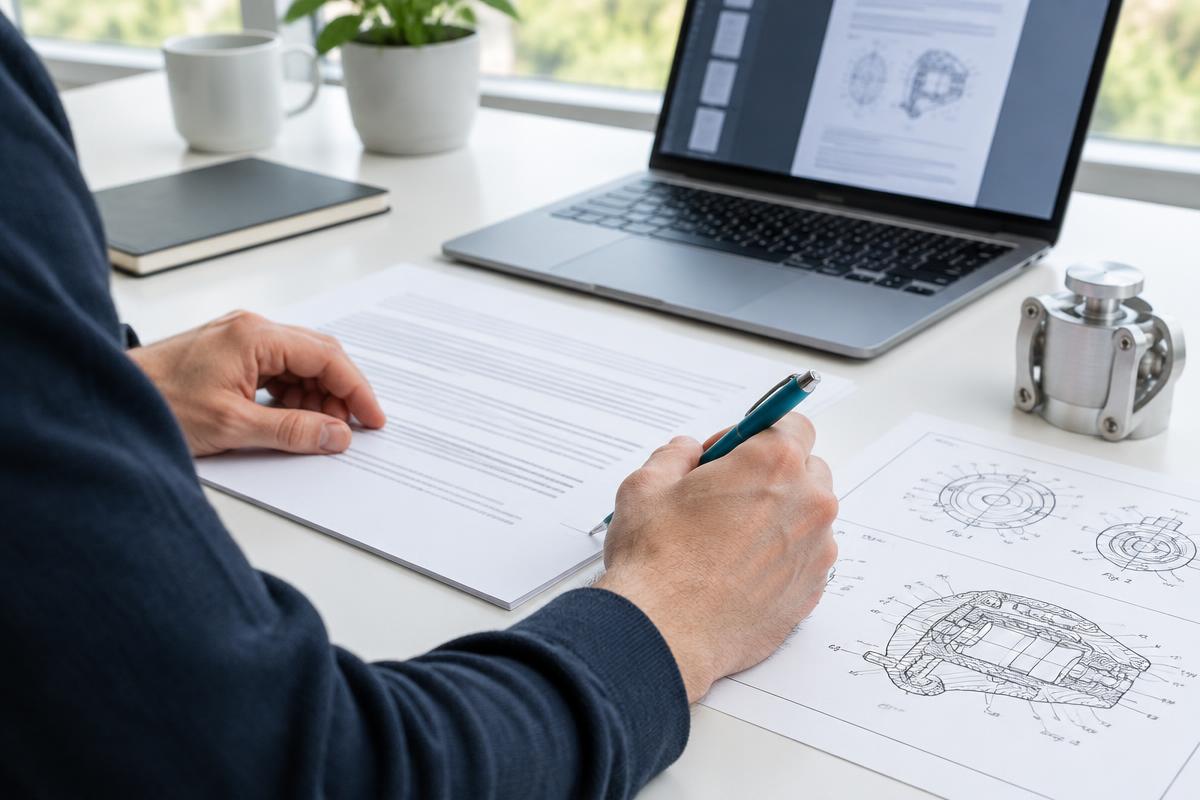
Remote support works best when every upload has a clear purpose. GetQuickPatent offers individual filing PDFs in upload order, with document descriptions for Patent Center. These files are different from the combined reference PDF you may keep for your own review.
Keep specification and drawings separate
Review the Specification for technical completeness. Review Drawings-only black and white line drawings for correct structure and references. Do not upload the combined reference application alongside those separate documents as an extra duplicate. The optional ZIP is a convenience for organizing files, not a requirement for downloading individual PDFs or a replacement for the upload workflow.
Check the cover sheet and applicable certificate
The provisional cover sheet identifies the invention and filing details. Confirm names, title and correspondence information. A micro-entity certificate applies only after the correct eligibility basis has been truthfully confirmed. GetQuickPatent prepares the applicable gross-income or educational-institution certificate; it does not infer eligibility from your chosen price or automatically certify unknown facts.
Personally sign where authorized
Enter your own signature, printed legal name and date, and confirm personally. GetQuickPatent’s S-signature entry uses the /s/ format; follow the on-screen requirements and current USPTO guidance. Each required signer must provide their own valid information. The assistant does not create, copy or apply another inventor’s signature. Practitioner-required cases must resolve representation before relying on inventor signing.
Regenerate after a change
If you update an inventor answer, signature or draft, prepare current documents again before the session. Inspect the downloaded forms, including signatures and dates, rather than assuming the earlier files changed automatically on your computer. Review the final upload list in Patent Center with the assistant. SI-generated preparation is not legal advice or an acceptance guarantee; consult a registered practitioner for legal questions.
Start your provisional patent
Start your provisional patent