
Desktop Setup for Assisted Filing With Chrome Remote Desktop
· 4 min read
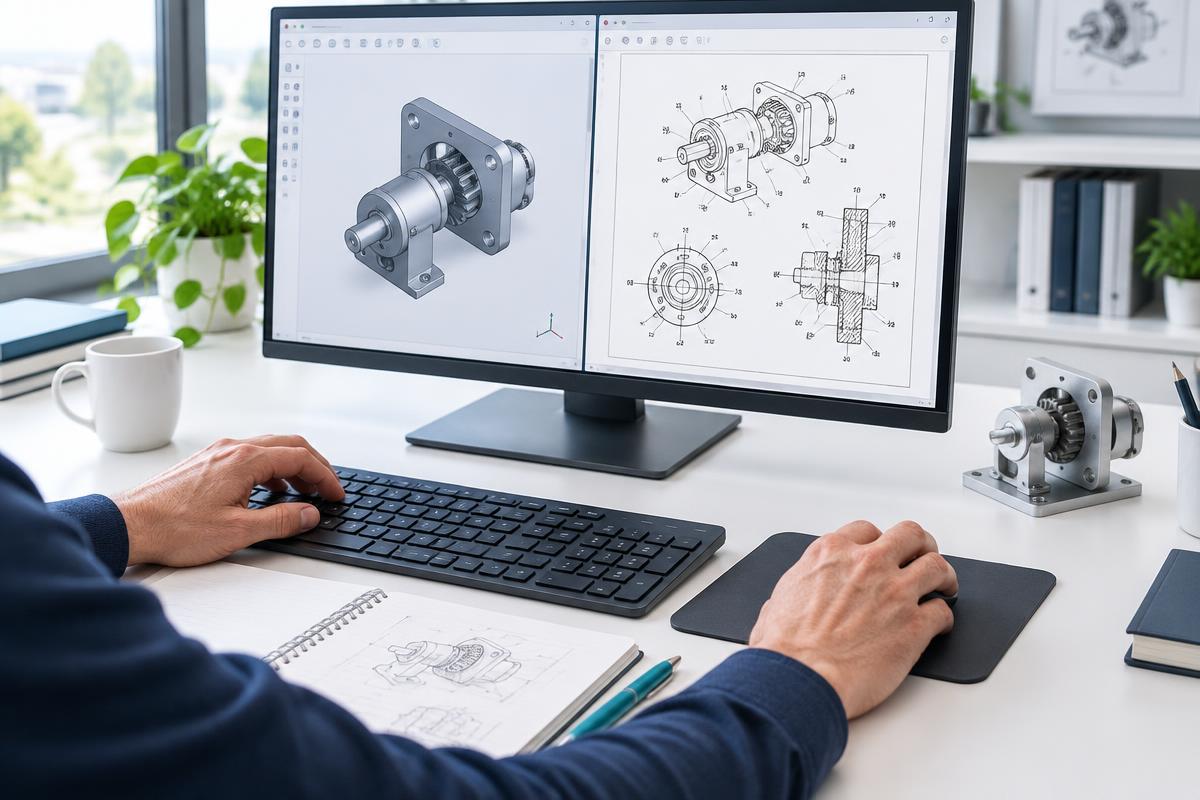
Install Chrome Remote Desktop on your desktop computer before your appointment. Keep the reviewed specification, drawings and applicable forms available locally. Close unrelated email, personal files and password managers before granting screen-sharing permission. Authorize only an expected assistant, stay present and stop sharing whenever you need to. The website does not claim a connection merely because you paid.
Assisted Filing for your existing draft
GetQuickPatent offers standalone Assisted Filing for $79 for eligible inventors with an already drafted provisional application. Choose a preferred date and time after signing in; the assistant must confirm availability. USPTO government fees are separate. Use a desktop computer with Google Chrome and Chrome Remote Desktop installed, not a phone.
You remain in control
This service requires a reviewed draft and applicable personally signed documents, confirmed U.S. residence for all inventor-applicants and an ID.me-verified USPTO.gov account. Keep files on your computer for the authorized session. The assistant helps with administrative forms and uploads while you remain present, review, personally sign when legally permitted, submit and pay government fees privately. Do not generate a sharing code before the assistant is ready or send it by email.
Filing help is not a granted patent
GetQuickPatent provides administrative assistance and SI-assisted drafting where separately purchased, not legal advice, attorney representation or guaranteed acceptance. A service payment or booking is not USPTO filing. Verify the official receipt; a provisional application is not examined and does not itself become a granted patent. Consult a registered practitioner when the case requires professional representation.
Start your provisional patent
Start your provisional patent